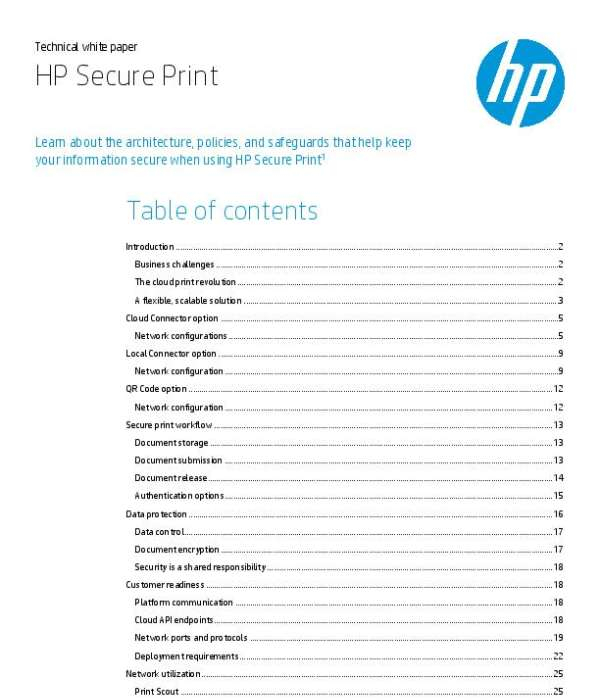
HP Secure Print is a cloud-native solution designed to establish secure printing workflows across organizations. It operates on Amazon Web Services (AWS) and requires user authentication at printers or multifunction printers (MFPs) to release documents. Employees can authenticate using their mobile devices, ID badges, or by entering their credentials at the printer. This approach ensures that only the document owner can access their prints, enhancing confidentiality and reducing the issue of abandoned print jobs.
How does HP Secure Print address business challenges?
HP Secure Print addresses several business challenges, including the need for secure printing in cloud ecosystems, compliance with data protection regulations like GDPR and CCPA, and the demand for intuitive printing experiences. By eliminating the need for print servers and reducing infrastructure costs, it enhances information security, streamlines workflows, and allows employees to print from any location while maintaining control over document access.
What are the configuration options for HP Secure Print?
HP Secure Print provides several configuration options to accommodate various network environments. These include the Cloud Connector option for Zero Trust networks, the Local Connector option for multivendor printer support, and the QR Code option for mobile release. Each configuration can be tailored to meet specific requirements, whether for cloud storage, local storage, or enhanced security measures, allowing organizations to choose the setup that best fits their operational needs.




 Sign in with LinkedIn